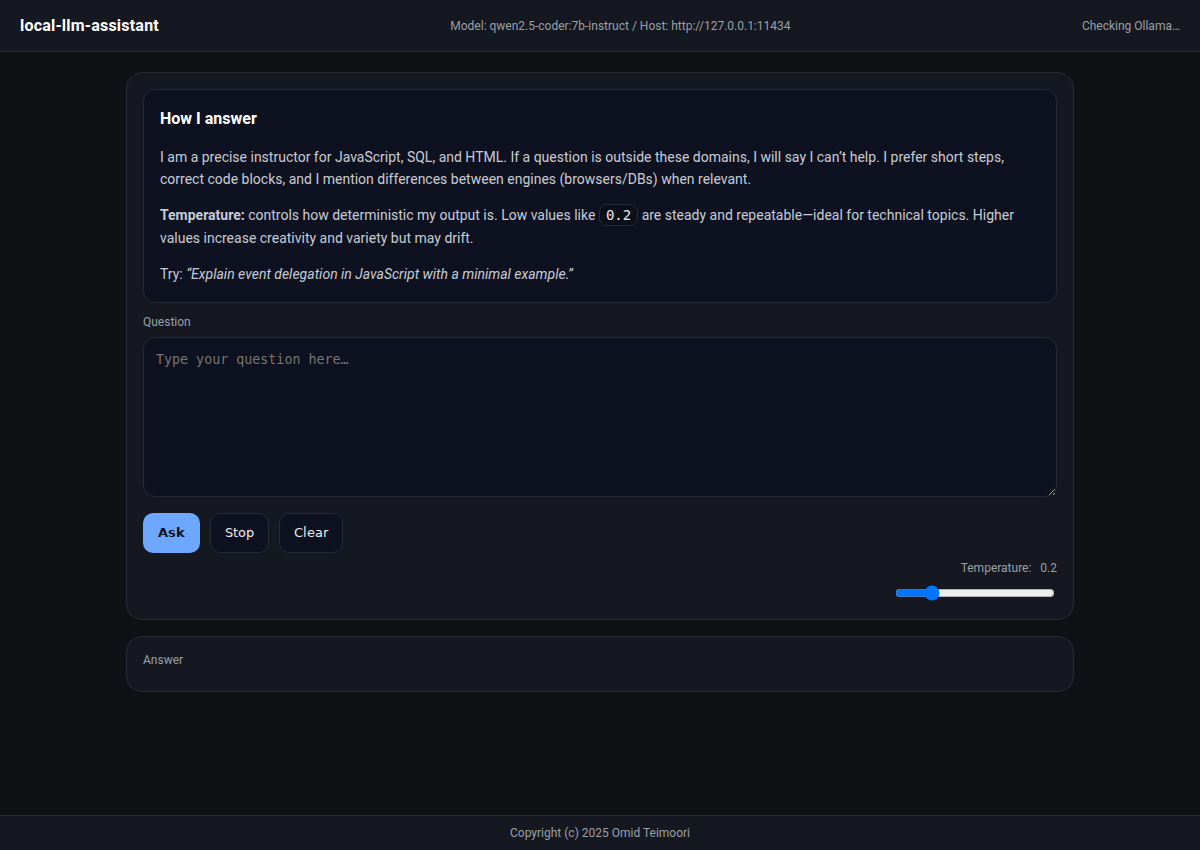
Original interface, shown before generating a response. Project source ↗
In practice
Explore programming questions with a local model.
Explore a local AI workflow with Ollama and a simple web front end.
The task
A programming learning tool should work with a local model and readable code examples, without requiring an external API key.
My contribution
I built a web interface for Ollama with Markdown rendering, syntax highlighting, temperature controls, and copy-code buttons. Helper scripts support macOS and Windows setup.
The result
The interface is designed for JavaScript, SQL, and HTML questions. Bundled front-end assets support offline use once the model and runtime are installed.
Capabilities
Uses Ollama as the local model runtime.
Code examples with syntax highlighting.
Supports learning around JavaScript, SQL, and HTML.
Start the macOS helper · inside the downloaded project folder
chmod +x scripts/run-mac.sh
./scripts/run-mac.sh
The helper installs Ollama if needed, downloads the configured model, and starts the interface. Internet access is needed for initial downloads.